
The Panavision PAV2 Advanced Video 2 user manual covers operation, connections, adjustments, and troubleshooting for the digital video assist system.
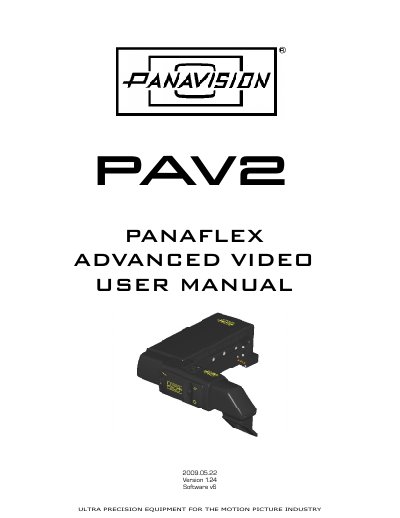
The PANAVISION Advanced Video 2 (PAV2) is a digital video assist system for motion picture cameras. It is compatible with the Panaflex G, Panaflex GII, Panaflex Platinum, Panastar, and Panastar-P cameras.
The PAV2 offers brighter video, all-digital processing, serial control of all functions, an electronic de-anamorphoser, and easy focus adjustment. It includes flicker-free operation at all frame rates, auto/manual/adjustable auto gain control, NTSC and PAL versions, adjustable framelines, and camera speed and footage display.
| Video system | NTSC and PAL versions |
|---|---|
| Monitor power output | 12V DC |
| High serial power output | 24V |
| FCC classification | Class B digital device |
The PAV2 is compatible with the Panaflex G, Panaflex GII, Panaflex Platinum, Panastar, and Panastar-P cameras.
The PAV2 provides one clean output and one output with framelines and text output.
Call Panavision and report the problem, setting aside all connected video and power cables and batteries.
The available settings are Auto, 3200K, and 5600K.