
This document is the PANAVISION SSR Operation Manual Advanced Digital Imaging 1st Edition Rev 1-0 V1.0. It provides information on the features and characteristics of the product.
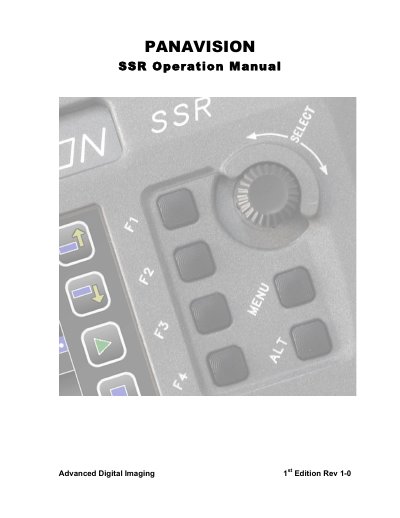
The Panavision Solid State Recorder (SSR) is a solid-state recording device based on flash memory, designed primarily for mounting on the Panavision Genesis camera system. It supports 4:2:2 or 4:4:4 HD-SDI recording at various frame rates and can operate in Standard Play or Long Play modes depending on user selection.
The manual details the SSR's connections to the Genesis camera, control panel functions including record keys and menu navigation, and display features. It also covers initialization procedures, diagnostics, error messages, and provides specifications for audio connectors and network interfaces.
The Panavision Solid State Recorder (SSR) is a solid-state recording device based on flash memory designed to be mounted on the Panavision Genesis camera system.
In Standard Play (SP) mode, you will get approximately 21 minutes of recording time at 24fps.
You must use the Display Rotate switch to orient the screen so that the ICON section appears below the BOTTOM section.