
Panasonic AW-UE70WP 4K Integrated Camera Operating Instructions

Operating and installation instructions for the Panasonic AW-UE70WP 4K Integrated Camera, including connection guides and network settings.
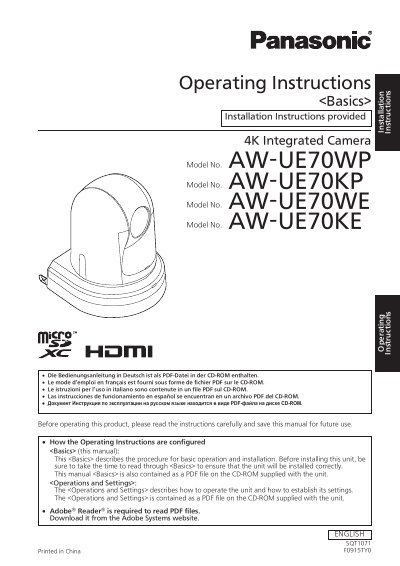

Panasonic AW-UE70WP 4K Integrated Camera Operating Instructions - cover page
Brand
Panasonic
Category
Other Electronics
Document type
User Manual
Language
English
Pages
56
File format
PDF
File size
1.9 MB
Published
19 November, 2026
Updated
19 November, 2026
MD5 checksum
9540A9819D2D1220E2D3565360F7B160

About this manual

The Panasonic AW-UE70WP is a 4K Integrated Camera. This document provides the for the unit, covering the procedures for basic operation and installation to ensure the device is installed correctly.

It includes detailed installation instructions, connection examples for HD monitors and controllers, and guidance on network settings using Windows and Easy IP Setup Software.

What's inside

  • Installation Instructions
  • Operating Instructions
  • Required personal computer environment
  • Characteristics
  • Controller supported
  • Connections
  • Appearance
  • Network settings
  • Troubleshooting
  • Specifications

Frequently asked questions

What mounting equipment is this camera intended for use with?

It is intended for use only with the Mount Bracket enclosed with the unit and the Panasonic Direct Ceiling Mount Bracket, WV-Q105A.

Who should perform installation of this apparatus?

Installation should only be performed by qualified installation personnel.

How must the apparatus be attached to prevent injury?

It must be securely attached to the floor/wall in accordance with the installation instructions.

Download PDF (1.9 MB)

More Panasonic Manuals


View all Panasonic manuals →