
Palo Alto Networks AsyncOS Command Line Interface Basics Guide

This guide covers accessing the AsyncOS CLI via SSH or Telnet, command conventions, syntax rules, and batch processing commands for Palo Alto Networks…
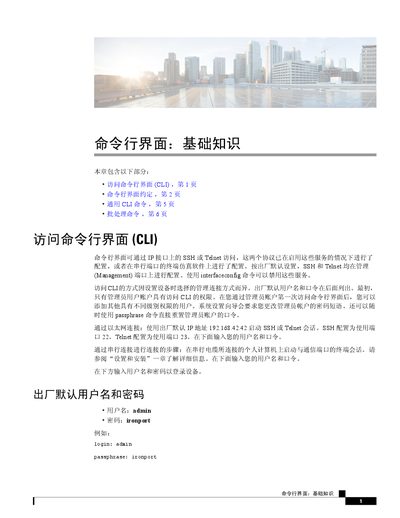

Palo Alto Networks AsyncOS Command Line Interface Basics Guide - cover page
Brand
PaloAlto Networks
Category
Other Electronics
Document type
User Manual
Language
Chinese
Pages
8
File format
PDF
File size
1.3 MB
Published
13 October, 2026
Updated
13 October, 2026
MD5 checksum
1D086C5ECA3D294BAFD0020B37A638A5

About this manual

This document provides an introduction to the basics of the AsyncOS Command Line Interface (CLI). It explains how to access the CLI using Ethernet connections (SSH/Telnet) or serial ports, including default login credentials. The guide details CLI conventions such as prompt indicators and input methods for lists and yes/no queries. This manual is written in Chinese.

What's inside

  • Accessing the Command Line Interface
  • CLI Conventions
  • Command Syntax
  • Configuration Changes
  • Committing Configuration
  • Clearing Configuration
  • Exiting the Session
  • Batch Processing Commands

Frequently asked questions

What are the default login credentials for the device?

The default username is admin and the password is ironport.

Which ports are used for SSH and Telnet access by default?

SSH uses port 22 and Telnet uses port 23 on the Management interface.

What is the maximum length for a comment in the commit command?

Comments can contain up to 255 characters.

Download PDF (1.3 MB)