
Key facts
- Manuals
- 1
- Languages
- ZH
- Last added
- 2026-10-13
Featured PaloAlto Networks manuals
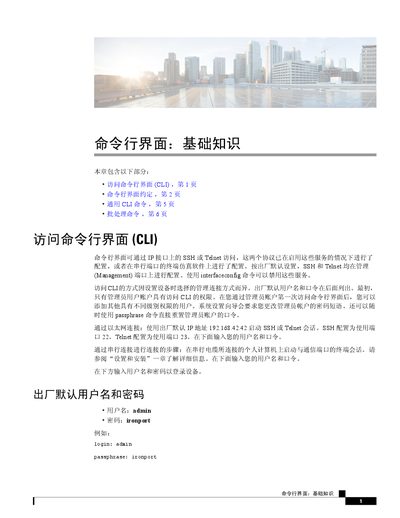
Palo Alto Networks AsyncOS Command Line Interface Basics Guide
This document provides an introduction to the basics of the AsyncOS Command Line Interface (CLI). It explains how to access the CLI using Ethernet connections (SSH/Telnet) or serial ports, including default login credentials. The guide details CLI conventions such as prompt indicators and input methods for lists and yes/no queries. This manual is written in Chinese.
Covers: Accessing the Command Line Interface · CLI Conventions · Command Syntax · Configuration Changes · Committing Configuration · Clearing Configuration
Latest PaloAlto Networks manuals
Palo Alto Networks AsyncOS Command Line Interface Basics Guide
User Manual 8 pages · 1.3 MB · ZHThis guide covers accessing the AsyncOS CLI via SSH or Telnet, command conventions, syntax rules, and batch processing commands for Palo Alto Networks…
Which document do I need?
User Manual
Day-to-day operation, settings and troubleshooting. Start here if the product is already set up.
Questions answered in PaloAlto Networks manuals
What are the default login credentials for the device?
The default username is admin and the password is ironport.
From: Palo Alto Networks AsyncOS Command Line Interface Basics Guide
Which ports are used for SSH and Telnet access by default?
SSH uses port 22 and Telnet uses port 23 on the Management interface.
From: Palo Alto Networks AsyncOS Command Line Interface Basics Guide