
This supplemental manual covers installation, implementation, operation control, and troubleshooting for Modbus TCP, RTU, PROFIBUS, and Profinet interfaces…
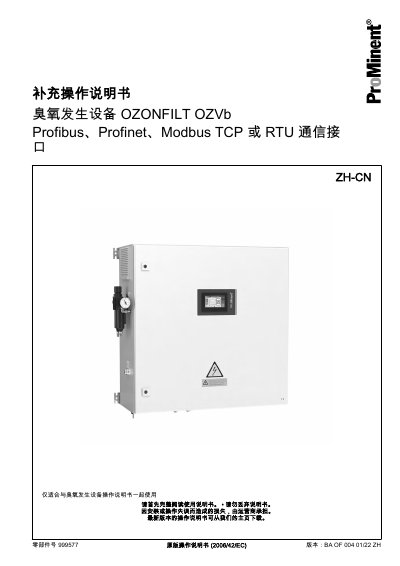
This document serves as a supplement to the main operating instructions for the OZONFILT OZVb ozone generator. It provides detailed guidance on configuring and utilizing various industrial communication protocols, including Modbus TCP, Modbus RTU, PROFIBUS, and Profinet.
The manual details electrical installation requirements, such as cable shielding and grounding to prevent electromagnetic interference. It explains how to implement specific functions like reading/writing registers via these protocols and describes the operational behavior of the device when controlled remotely through an automation system. This manual is written in Chinese.
| Default IP Address | 192.168.1.253 |
|---|---|
| Default Subnet Mask | 255.255.255.0 |
| Default Gateway Address | 192.168.1.1 |
| Default Modbus RTU Slave Address | 10 |
| Baud Rate (RTU) | 19200 bps |
The LCD screen will display an error text depending on the selection on the 'Interface' page, such as a warning or fault code.
No. Remote connections via fieldbus must be located within a network crime protection area to ensure safety.
When the device is running, it acts only as a Stop key; when stopped, it acts only as a Start key.