
This manual provides installation and operation instructions for the Oventrop Regtronic RX solar controller, covering safety, wiring, menu navigation, and…
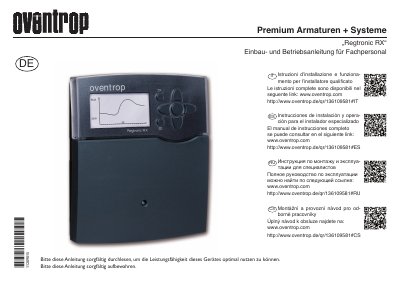
The Oventrop Regtronic RX is a system controller designed for thermal solar and heating systems. This manual is intended exclusively for authorized specialists and covers safety precautions, installation steps, electrical connections, and data communication via the S-Bus.
The document details the operation of the device using seven buttons and a full-graphic display. It explains how to navigate menus, configure system parameters such as solar settings and pump control, and interpret status information and error messages. This manual is written in German.
| Dimensions | 198 x 170 x 43 mm |
|---|---|
| Protection Class | IP 20 / EN 60529 |
| Operating Temperature | 0 ... 40 °C |
| Power Supply | 100 ... 240 V~, 50 ... 60 Hz |
| Inputs | 8 (9) inputs for Pt1000, Pt500 or KTY sensors |
| Outputs | 4 semiconductor relays, 1 potential-free switch, 2 PWM outputs |
This instruction is directed exclusively to authorized specialists.
The device must be disconnected from the mains voltage in all poles before opening.
Press any button to reactivate the display illumination.