
Operating instructions for the OTT CBS bubble sensor, covering installation, configuration, maintenance and technical data.
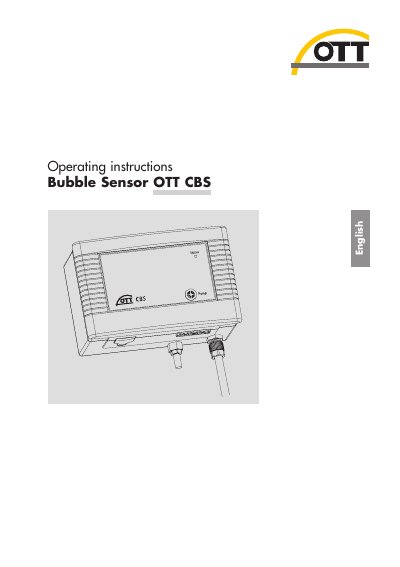
The OTT CBS bubble sensor uses an air‑bubble principle to measure water level or groundwater depth. The manual explains how to install the sensor, connect measuring tubes, set DIP switches, and interface with dataloggers via SDI‑12 or 4‑20 mA.
Maintenance procedures, error‑indication via the Status LED, and detailed technical specifications are also provided, along with disposal and safety information.
| Measuring range | 0 … 15 m (standard) or 0 … 30 m (30 m version) |
|---|---|
| Resolution | 1 mm or 0.1 mbar |
| Accuracy | ±5 mm (standard), ±1.5 mm (USGS 0‑3 m range) |
| Power supply | 10 … 30 V DC (typ. 12/24 V DC) |
| Current consumption (1 min query) | ≈320 mAh/day |
| Dimensions (L×W×H) | 165 mm × 205 mm × 115 mm |
| Weight | ≈1 500 g |
| IP protection class | IP 43 |
| Operating temperature range | -20 °C … +60 °C |
Press the membrane button on the sensor quarterly to start the purge function, which clears the measuring tube and bubble chamber of contamination.
The sensor operates from a DC supply of 10 to 30 V, typically 12 or 24 V.