
Key facts
- Manuals
- 2
- Languages
- EN
- Last added
- 2026-10-03
Featured OTT manuals
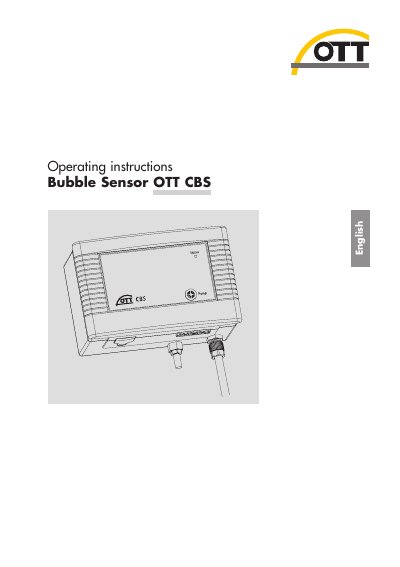
OTT CBS Bubble Sensor Operating Instructions
The OTT CBS bubble sensor uses an air‑bubble principle to measure water level or groundwater depth. The manual explains how to install the sensor, connect measuring tubes, set DIP switches, and interface with dataloggers via SDI‑12 or 4‑20 mA.
Maintenance procedures, error‑indication via the Status LED, and detailed technical specifications are also provided, along with disposal and safety information.
Covers: Scope of supply · Order numbers · Introduction · Installing OTT CBS · Installing bubble chamber · Connecting OTT CBS
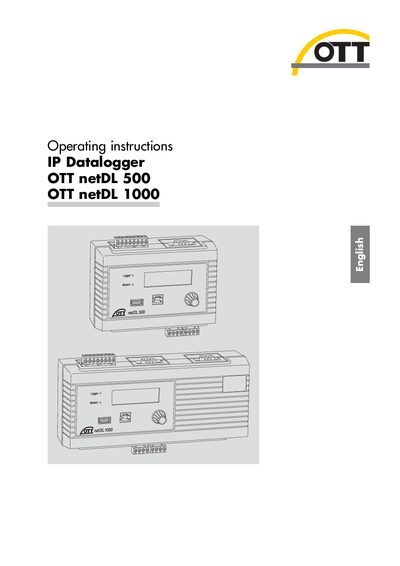
OTT netDL 500/1000 Datalogger Operating Instructions
These operating instructions describe the OTT netDL IP datalogger series, including the netDL 500 and netDL 1000 models. They cover safety requirements, installation steps, wiring of various sensor interfaces (RS‑485, SDI‑12, pulse, voltage, current, PT100, etc.), and connection of power, GSM antenna, and Ethernet.
The manual also explains how to set operating parameters, use the observer functions, read and export measured data, update firmware, manage alarms, protect the unit with a password, and perform maintenance and disposal. Technical data and a declaration of conformity are provided in the appendix.
Covers: Scope of supply · General safety information · Introduction · Starting up the OTT netDL unit · Installing the OTT netDL unit · Setting operating parameters
Latest OTT manuals
OTT CBS Bubble Sensor Operating Instructions
User Manual 28 pages · 709 KB · ENOperating instructions for the OTT CBS bubble sensor, covering installation, configuration, maintenance and technical data.
OTT netDL 500/1000 Datalogger Operating Instructions
User Manual 54 pages · 1.6 MB · ENOperating instructions for the OTT netDL 500 and netDL 1000 IP dataloggers, covering installation, configuration, and maintenance.
Which document do I need?
User Manual
Day-to-day operation, settings and troubleshooting. Start here if the product is already set up.
Questions answered in OTT manuals
How do I activate the purge function?
Press the membrane button on the sensor quarterly to start the purge function, which clears the measuring tube and bubble chamber of contamination.
What power supply voltage is required?
The sensor operates from a DC supply of 10 to 30 V, typically 12 or 24 V.
What is the allowed ambient temperature range for the OTT netDL unit?
The unit can operate between –40 °C and +70 °C (for versions B… and C… the range is –30 °C to +70 °C).
How can the firmware of the OTT netDL be updated?
Firmware updates are described in Chapter 12 "Updating the OTT netDL firmware" of the operating instructions.