
This datasheet details specifications and features for Opto 22's SNAP high-density digital input and output modules, including compatibility with SNAP PAC…
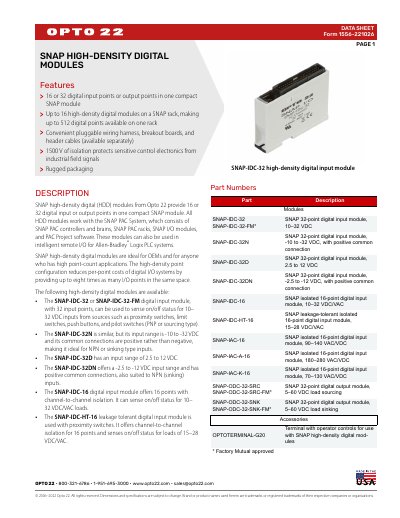
The document describes the SNAP high-density digital (HDD) modules from Opto 22, which provide 16 or 32 digital input or output points in a compact form factor. These modules are designed for use within the SNAP PAC System and can also be utilized with Allen-Bradley Logix PLC systems for intelligent remote I/O applications.
| Digital points per module (HDD) | 16 or 32 digital input points or output points |
|---|---|
| Maximum modules on a rack | Up to 16 high-density digital modules |
| Total points per rack | Up to 512 digital points available |
| Isolation voltage | 1500 V of isolation |
| Input range (SNAP-IDC-32) | 10–32 VDC inputs |
| Input range (SNAP-IDC-32N) | -10 to -32 VDC |
| Input range (SNAP-IDC-32D) | 2.5 to 12 VDC |
| Input range (SNAP-IDC-HT-16) | 15–28 VDC/VAC |
| Output voltage range (SNAP-ODC-32) | 5–60 VDC load |
| Required software version | PAC Control software version 8.0 or newer |
Yes, these modules can also be used in intelligent remote I/O for Allen-Bradley Logix PLC systems.
Up to 16 high-density digital modules can be mounted on a single SNAP rack.
Yes, part numbers ending in -FM are Factory Mutual approved.