
The OpenVox UC501 Series PBX User Manual provides setup, configuration, and management instructions for the UC501 IP PBX system.
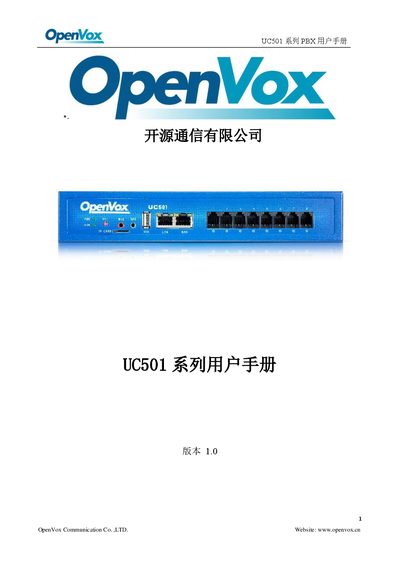
This manual introduces the UC501 IP PBX, an upgraded version of the UC500 with up to 800 registered extensions, modular ports, and support for multiple voice codecs. It outlines product features, hardware modules, and the overall architecture of the system.
The guide details system configuration, network settings, security options, user permissions, storage, fax, reporting, additional functions such as video conferencing, and log management. It also covers firmware upgrades, backup and restore procedures, and troubleshooting tools. This manual is written in Chinese.
| Maximum extensions | 800 |
|---|---|
| Concurrent calls (G.729) | 100 |
| Concurrent calls (G.711) | 300 |
| Network interfaces | 2×10/100M (1 LAN, 1 WAN) |
| Analog ports | 8 |
| USB port | 1×USB 2.0 |
| External storage | 1×SD slot, up to 128 GB |
The UC501 can support up to 800 registered extensions.
It can handle up to 100 concurrent calls using the G.729 codec.
The device provides two 10/100 Mbps ports: one LAN and one WAN.