
OpenVox D410P/D210P user manual covering card overview, hardware jumper and DIP switch setup, wct4xxp driver installation and zaptel configuration.
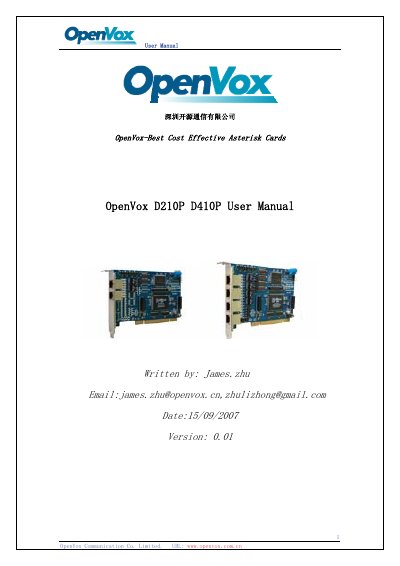
This is the OpenVox D410P/D210P user manual, written by James Zhu and dated 15/09/2007 (version 0.01). The D410P/D210P series supports E1, T1 and J1 environments, selectable on a per-card or per-port basis, and is fully compatible with the Asterisk application. The manual opens with an overview of the card and a short definition of Asterisk as a software PBX.
The remaining chapters cover card installation and configuration and hardware setting. Before inserting the card into a PC, jumpers and DIP switches must be set for span type (S5), span impedance (S1 to S4), PCI power supply selection (J7) and CardID (SW1). The software section describes building libpri, zaptel and asterisk, loading the wct4xxp driver, and configuring zaptel.conf and zapata.conf, followed by a references list.
| Supported line environments | E1, T1 and J1, selectable per-card or per-port |
|---|---|
| PCI slot support | 3.3V and 5V PCI slots |
| FIFO | up to 2 Kbytes |
| Driver | wct4xxp driver included in original zaptel, no patch needed |
| Compliance | RoHS compliant |
| Certificates | CE and FCC |
| Default PCI power supply | 5V (shorten 2 and 3 on J7) |
The series supports E1, T1 and J1 environments, selectable on a per-card or per-port basis.
It uses the wct4xxp driver included in the original zaptel, without any patch.
The card supports 3.3V and 5V PCI slots.
Set J7 by shortening pins 1 and 2 to use the 3.3V power supply; the default (pins 2 and 3) is 5V.