
This quick start guide shows how to set up, connect, transfer music files and use basic functions of the Onkyo DP‑X1 digital audio player.
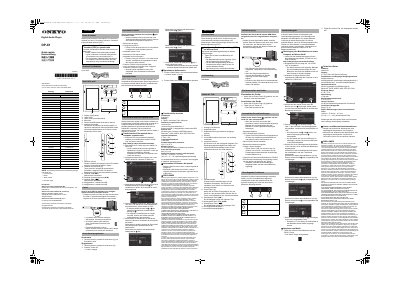
The guide provides step‑by‑step instructions for the initial power‑on, language selection, Wi‑Fi setup and basic operation of the DP‑X1, including how to adjust volume, use the touch display and navigate the home screen. It also explains how to charge the device and warns about handling the built‑in antenna.
It details the use of the X‑DAP Link software to transfer music from a Windows PC to the player’s internal storage or microSD cards, and describes how to play music from the device, an SD card or streamed sources. Technical specifications such as platform, display, interfaces, wireless standards, battery capacity and dimensions are listed for reference. This manual is written in Italian.
| Platform | Android 5.1 |
|---|---|
| Display Size | 4.7 inches |
| Display Resolution | 720 × 1280 pixels |
| Headphone Jack | 1 (standard) + 1 balanced |
| Micro‑USB Port | 1 (charging and data) |
| Micro‑SD Card Slots | 2 |
| Wireless LAN | IEEE 802.11 b/g/n/ac |
| Bluetooth | A2DP, AVRCP, HSP, OPP, HID, PAN |
| Input Rating | 5 V DC, 1.5 A |
| Battery Capacity | 1,630 mAh |
| Operating Temperature | 5 °C to 35 °C |
| Internal Memory | 32 GB (including Android system) |
| Weight | 203 g |
The built‑in battery has a capacity of 1,630 mAh.