
User manual for ONESONIC BXS-HD1 wireless earphones covering pairing, charging, controls, specs, and safety.
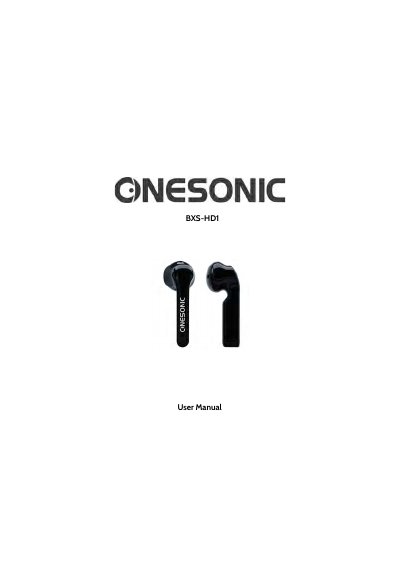
This manual explains how to pair, charge, and operate the ONESONIC BXS-HD1 wireless earphones. It includes controls for volume, calls, and media playback. The earphones feature Bluetooth 5.0, 40mAh batteries, and a 400mAh charging case. Safety guidelines cover usage while driving, in hazardous areas, and for children. Charging via USB-C and resetting the device are also covered.
| Chipset | AB1356U |
|---|---|
| Bluetooth Version | BT5.0 |
| Battery | Earphone: 40mAh, Charging Case: 400mAh |
| Playing Time | 3-4 Hours |
| Charging Time | 1.5 Hours (Earphones), 1.5 Hours (Charging Case) |
| Speaker Impedance | 32 Ohms ± 15% @ 1kHz |
| Speaker Sensitivity | 115dB ± 2.7dB @ 1kHz |
Turn on Bluetooth on your device, remove the earphones from the case, and select 'ONESONIC BXS-HD1' from the Bluetooth list. Enter '0000' if prompted. A voice prompt confirms success.
The LED on the charging case flashes red when low, turns solid red while charging, and solid white when fully charged.
Place the earphones in the case with the lid open, press and hold the Reset Button until the LED flashes white and red. This disconnects from all devices.
It takes 1.5 hours to charge both the earphones and the charging case.