
Key facts
- Manuals
- 1
- Languages
- EN
- Last added
- 2026-11-06
Featured ONESONIC manuals
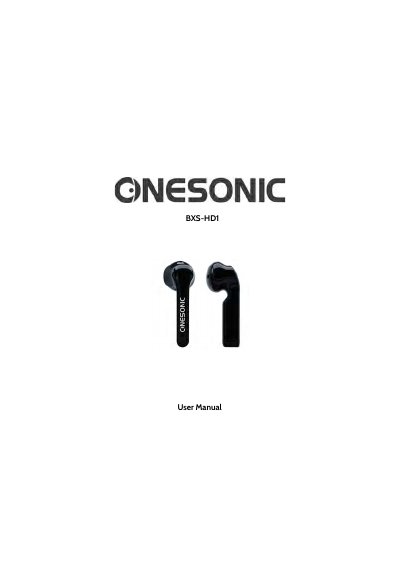
ONESONIC BXS-HD1 Wireless Earphones User Manual
This manual explains how to pair, charge, and operate the ONESONIC BXS-HD1 wireless earphones. It includes controls for volume, calls, and media playback. The earphones feature Bluetooth 5.0, 40mAh batteries, and a 400mAh charging case. Safety guidelines cover usage while driving, in hazardous areas, and for children. Charging via USB-C and resetting the device are also covered.
Covers: Packing List · Warranty · Product Functions · LED Indicator Light · Charging Mode · Bluetooth Pairing Mode
Latest ONESONIC manuals
ONESONIC BXS-HD1 Wireless Earphones User Manual
User Manual 9 pages · 154 KB · ENUser manual for ONESONIC BXS-HD1 wireless earphones covering pairing, charging, controls, specs, and safety.
Which document do I need?
User Manual
Day-to-day operation, settings and troubleshooting. Start here if the product is already set up.
Questions answered in ONESONIC manuals
How do I pair the earphones with my device?
Turn on Bluetooth on your device, remove the earphones from the case, and select 'ONESONIC BXS-HD1' from the Bluetooth list. Enter '0000' if prompted. A voice prompt confirms success.
What does the LED indicator mean when charging?
The LED on the charging case flashes red when low, turns solid red while charging, and solid white when fully charged.