
The OmniMount PLAY70 Interactive TV Mount instruction manual provides safety warnings, installation steps, and specifications for the 70 lb capacity wall mount.
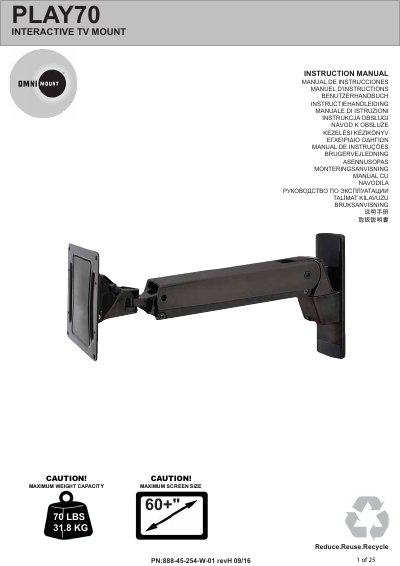
This instruction manual covers the OmniMount PLAY70 Interactive TV Mount, a wall mount with a maximum screen size of 60+ inches and a maximum weight capacity of 70 lbs (31.8 kg). It includes safety warnings and installation guidance in multiple languages.
The included hardware is designed for vertical walls with wood studs or solid concrete, and the wall must support four times the total load. Customers can contact OmniMount Systems, Inc. at 1-800-668-6848 or [email protected] for help or replacement parts.
| Maximum weight capacity | 70 lbs (31.8 kg) |
|---|---|
| Maximum screen size | 60+ inches |
| Wall load requirement | 4 times the total load |
| Compatible wall type | wood studs or solid concrete |
The maximum weight capacity is 70 lbs (31.8 kg).
It is designed for vertical walls constructed of wood studs or solid concrete.
The wall must support four times the weight of the total load.
Contact OmniMount customer service at 1-800-668-6848 or [email protected].