
The OM1100642 User's Guide provides information on how to use the OM1100642 TV mount.
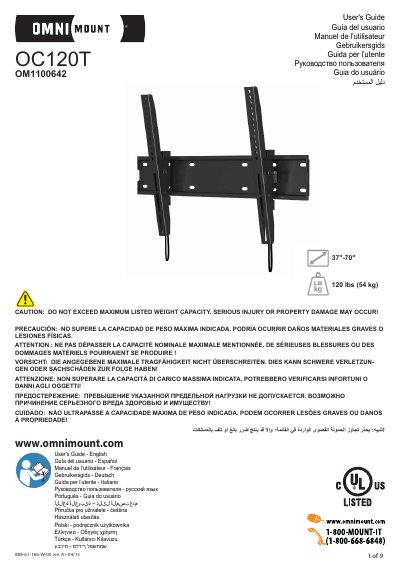
This User's Guide covers the OmniMount OC120T wall mount, which supports displays from 37 to 70 inches with a maximum weight capacity of 120 lbs (54 kg). OmniMount is a registered trademark and brand of Ergotron, Inc., and the manual is available in multiple languages.
The document includes safety warnings, disclaimer information, and installation requirements for wood stud and concrete walls. It specifies that wood studs must be 16 inches or 24 inches apart and that the wall must support four times the total load weight. Customer service contact information is provided for assistance or replacement parts.
| Screen size compatibility | 37"-70" |
|---|---|
| Maximum weight capacity | 120 lbs (54 kg) |
| Wood stud spacing | 16" (406mm) or 24" (610mm) |
| Concrete wall thickness | 152 mm minimum |
The maximum weight capacity is 120 lbs (54 kg).
OmniMount is a registered trademark and brand of Ergotron, Inc.
Customer service can be reached at 1-800-668-6848 or [email protected].
The wall must support four times the weight of the total load.