
User's guide for the Omega USB-4751/USB-4751L 48/24-channel TTL digital I/O USB data acquisition modules.
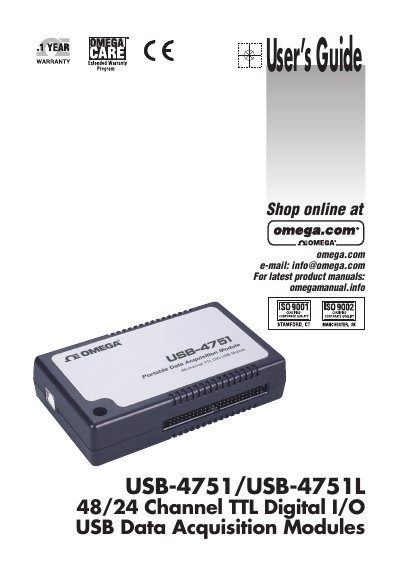
This user's guide covers the Omega USB-4751/USB-4751L 48/24-channel TTL digital I/O USB data acquisition modules. It describes hardware features, the supplied device drivers and application software, installation steps, and signal connections.
The guide also covers I/O connector pin assignments, LED indicator status, digital input and output connections, dry contact support, field wiring considerations, and specifications for digital input/output, counter, and general operation.
| Digital I/O lines | 48/24 TTL digital I/O lines |
|---|---|
| Connector | 50-pin Opto-22 compatible box header |
| USB compatibility | Compatible with USB 1.1/2.0 |
| Power source | Bus-powered |
| Maximum current requirement | 500 mA (Max.) |
| Maximum devices per system | Up to sixteen USB-4751/4751L modules |
| PPI emulation | Emulates mode 0 of 8255 PPI |
| Contact support | Supports both dry and wet contact |
| Interrupt handling | Interrupt handling |
| Counter capability | Timer/Counter interrupt capability |
The modules provide 48/24 TTL digital I/O lines.
The modules are compatible with USB 1.1 and USB 2.0.
Up to sixteen modules can be installed because of the device BoardID restriction.
It is on the companion CD-ROM and can also be accessed from the Start menu after installing the device drivers.