
Provide the user manual for OMEGA HHP241 series digital manometer.
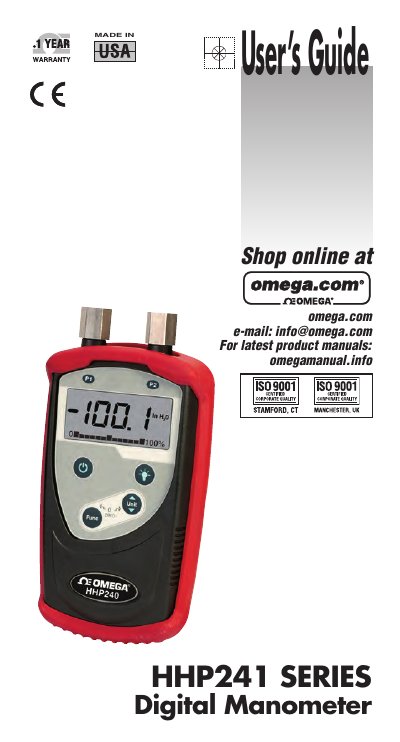
The OMEGA HHP241 Series Digital Manometer is a handheld, microcontroller-based instrument designed to measure differential, gauge, and absolute pressure of clean, dry, non-corrosive gases. It features a large liquid crystal display (LCD) with selectable engineering units and supports both pressure and temperature measurements. The device includes a user-activated green backlight and an automatic red backlight for error indication.
| Measurement Type | Differential, Gauge, Absolute pressure and Temperature |
|---|---|
| Pressure Range | Up to 100 PSI |
| Engineering Units | PSI, bar, mbar, kPa, mmHg, inHg, mmH2O, inH2O |
| Accuracy | ±0.25% of FS |
| Operating Temperature | -10°C to +50°C |
| Battery Type | 3 x AA battery |
| Battery Life | > 300 hours continuous use without backlight |
The instrument is designed for use with clean, dry, non-corrosive gases only.
Turn off pressure sources, then simultaneously press and hold the F and U keys until 'F.CAL' is displayed.
The red backlight automatically activates during an error or over-range condition.