
This guide introduces the Olympus MIC-D portable digital microscope, covering parts, software usage, illumination techniques, and image capture.
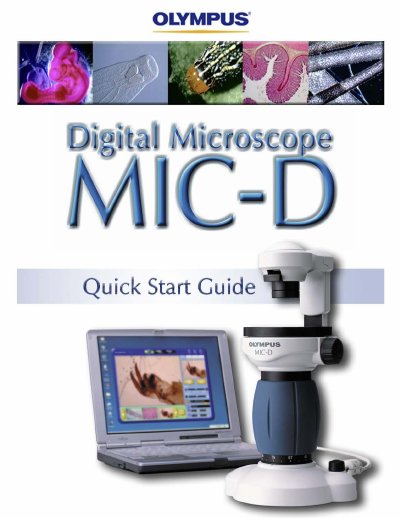
The Olympus MIC-D is a portable digital microscope designed for capturing still and moving images in the lab or field. This Quick Start Guide introduces the device's innovative design and imaging capabilities, helping users get up and running quickly. It covers essential topics including parts identification, software introduction, specimen selection, basic controls, and illumination techniques.
| Magnification Range | 22x to 255x |
|---|---|
| Stage Movement | 5mm in any horizontal direction |
| Stage Rotation | 360 degrees |
| Focus Range | up to 5mm above the stage |
The device supports Transmitted Light (Brightfield), Oblique Illumination, Darkfield, and Reflected Light.
Yes, the MIC-D can be used anywhere a laptop computer can be taken.
The kit consists of a Polarizer and an Analyzer.