
User guide for Olympus IM002 digital camera covering setup, shooting, playback, menu functions, smartphone and computer connections, safety, and firmware…
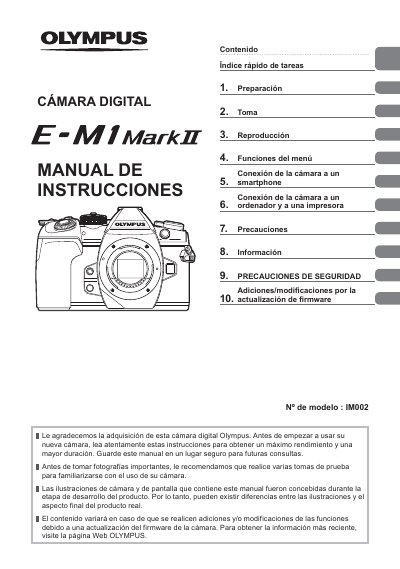
This manual provides step-by-step instructions for using the Olympus IM002 digital camera, including setup, shooting modes, playback, menu customization, and connectivity with smartphones and computers. It also includes safety precautions, firmware update instructions, and troubleshooting information. The guide is written in Spanish and covers all operational features of the camera, including advanced settings like HDR, exposure control, and video recording options.
| Model Number | IM002 |
|---|
Perform several test shots to familiarize yourself with using the camera.
Do not operate it until it has been examined by qualified service personnel.
Let it cool completely before putting it away.
Do not immerse the flash in water or other liquids.