
Owner's manual for Ocean Reef Gamma-Alpha 2010 audio/video diver communication system, covering components, communication, video recording and troubleshooting.
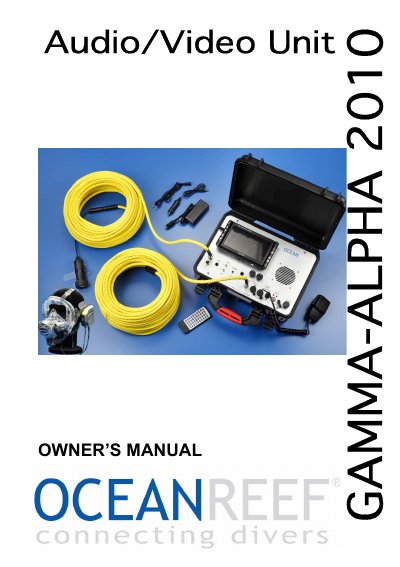
The Gamma-Alpha 2010 is a hardwired audio and video communication system. The surface unit can connect by audio and video to two divers and allows conversations between the surface and one or two divers, with adjustable volume for both diver and surface. The listed components include a surface unit, a professional surface/diver cable, an underwater unit, a surface/diver video cable, and a CCD micro video camera with underwater housing.
The installed 7-inch LCD color monitor displays the video feed from the UW camera of diver 1 or diver 2, and video can be switched to external monitors or recorders. The manual covers warnings, components, possible audio interactions and configurations, video recording possibilities, troubleshooting, and warranty.
| Monitor | 7-inch color monitor |
|---|---|
| Video inputs | 2 |
| Battery | 12 V rechargeable |
| Surface/diver cable length | 50 m (165 ft) |
| Underwater unit connector | 6-pin waterproof connector |
| Audio system | Full-duplex |
| Cable pull strength | 4000 N |
By adding an additional surface/diver cable and underwater unit, it can communicate with two divers at the same time.
It displays video from the UW camera of diver 1 or diver 2, and the video can be switched to external monitors or recorders.
Video can be recorded from diver 1 through video out plug #1, from diver 2 through video out plug #2, or mixed through the video out plug under the switch.
The manual lists low battery as the probable cause and says to recharge the batteries.