
This manual covers the OBSBOT Tail AI camera, including battery usage, gimbal operation, Obsbot Studio app setup, firmware upgrades, and maintenance…
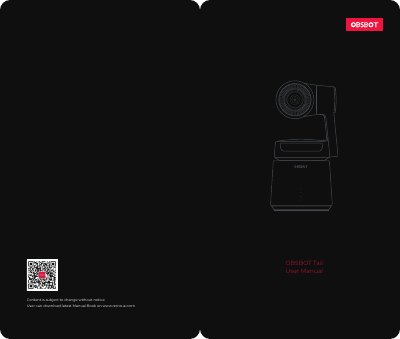
The OBSBOT Tail is an AI-powered camera developed by REMO TECH that features intelligent tracking, automatic zoom, and a high-precision three-axis gimbal. It supports 4K 60FPS video recording and 12 megapixel photos with a 3.5x optical zoom and 10x hybrid zoom. The device operates using a smart battery with multiple safety protections and can be controlled via the Obsbot Studio App on iOS or Android devices. This manual is written in Chinese.
| Battery Capacity | 1,850 mAh |
|---|---|
| Operating Time | up to 120 minutes |
| Video Resolution | 4K 60FPS |
| Photo Resolution | 12 megapixel |
| Optical Zoom | 3.5x |
| Hybrid Zoom | 10x |
| Charging Time | about 90 minutes |
| Charging Temperature | 0°- 40° |
The smart battery has a capacity of 1,850 mAh.
The camera will be fully charged after about 90 minutes when using the included adapter.
The device supports 4K 60FPS UHD videos and 12 megapixel photos.
The ideal charging environment temperature is between 0°C and 40°C.