
Key facts
- Manuals
- 1
- Languages
- ZH
- Last added
- 2026-10-25
Featured OBSBOT manuals
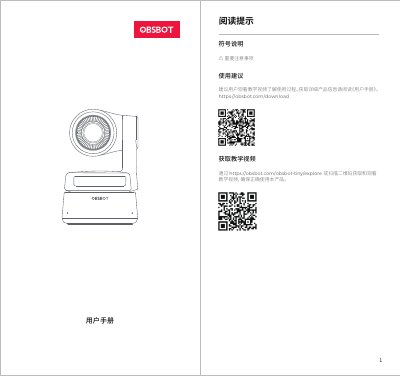
OBSBOT Tiny AI PTZ Camera User Manual
The OBSBOT Tiny is an AI-powered network PTZ camera designed for video calls, streaming, and conferencing. It features intelligent tracking, gesture control, and smart composition to enhance user experience on Windows and macOS systems.
Users can install the device on a monitor or tripod using its adjustable stand or UNC 1/4-20 thread interface. The manual details how to connect via USB Type-C, configure settings through the OBSBOT TinyCam software, and utilize gesture controls for zooming and target selection. This manual is written in Chinese.
Covers: Product Overview · Placement Instructions · Connection to Computer · Indicator Status · PTZ Control Range · Privacy Mode
Latest OBSBOT manuals
OBSBOT Tiny AI PTZ Camera User Manual
User Manual 5 pages · 600 KB · ZHThis manual provides instructions for the OBSBOT Tiny AI network PTZ camera, covering setup, indicator status, and usage of the companion software.
Which document do I need?
User Manual
Day-to-day operation, settings and troubleshooting. Start here if the product is already set up.
Questions answered in OBSBOT manuals
What is the horizontal rotation range of the camera?
The camera can rotate horizontally within a range of +/-150 degrees.
How do I enter privacy mode?
Manually bend the PTZ downward until the camera indicator light turns off to enter privacy mode.