
User manual for the OBLO Living BC100 Battery Scene Controller, covering installation, pairing, scene setup, and technical specifications for ZigBee Home…
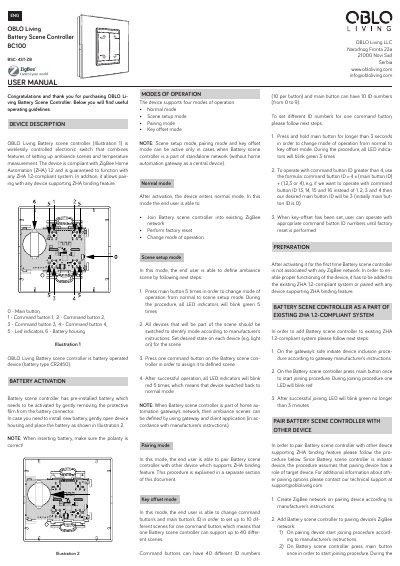
This document is the user manual for the OBLO Living Battery Scene Controller (Model BC100 BSC-4ST-ZB). It describes a wireless electronic switch designed to set up ambiance scenes and measure temperature. The device operates on a CR2450 battery and is compliant with ZigBee Home Automation (ZHA) 1.2.
| Communication Protocol | ZigBee |
|---|---|
| Range | Up to 15m |
| Operating Temperature | -5 to 45 °C |
| Protection Degree | IP20 |
| Power Source | 1 x CR-2450 battery |
| Temperature Measurement Accuracy | ~1 °C |
| Dimensions | 97.6 x 91.8 x 14 mm |
The device has a pre-installed battery that needs to be activated by gently removing the protective film from the battery connector.
Press the main button 5 times in order to change mode of operation from normal to scene setup mode.
Press the main button 10 times to reset the device to factory settings.
The device operates within a temperature range of -5 to 45 °C.