
Key facts
- Manuals
- 1
- Languages
- EN
- Last added
- 2026-11-06
Featured OBLO Living manuals
OBLO Living BC100 BSC-4ST-ZB Battery Scene Controller User Manual
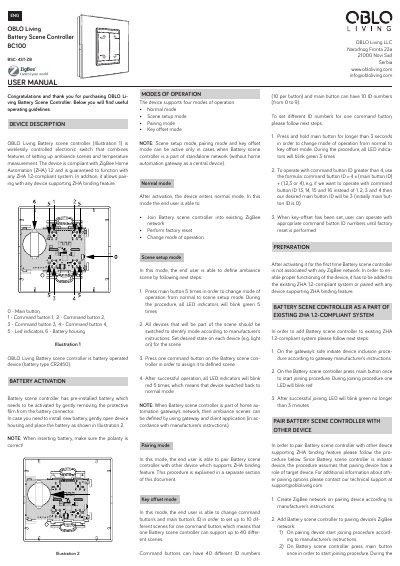
This document is the user manual for the OBLO Living Battery Scene Controller (Model BC100 BSC-4ST-ZB). It describes a wireless electronic switch designed to set up ambiance scenes and measure temperature. The device operates on a CR2450 battery and is compliant with ZigBee Home Automation (ZHA) 1.2.
Covers: Device Description · Battery Activation · Modes of Operation · Pairing with ZHA System · Pairing with Other Devices · Installation
Latest OBLO Living manuals
OBLO Living BC100 BSC-4ST-ZB Battery Scene Controller User Manual
User Manual 2 pages · 445 KB · ENUser manual for the OBLO Living BC100 Battery Scene Controller, covering installation, pairing, scene setup, and technical specifications for ZigBee Home…
Which document do I need?
User Manual
Day-to-day operation, settings and troubleshooting. Start here if the product is already set up.
Questions answered in OBLO Living manuals
How do I activate the battery in the OBLO Living Battery Scene Controller?
The device has a pre-installed battery that needs to be activated by gently removing the protective film from the battery connector.
From: OBLO Living BC100 BSC-4ST-ZB Battery Scene Controller User Manual
How do I enter the scene setup mode?
Press the main button 5 times in order to change mode of operation from normal to scene setup mode.
From: OBLO Living BC100 BSC-4ST-ZB Battery Scene Controller User Manual