
This guide explains how to log in, install the software platform, and troubleshoot common issues for the Ober product.
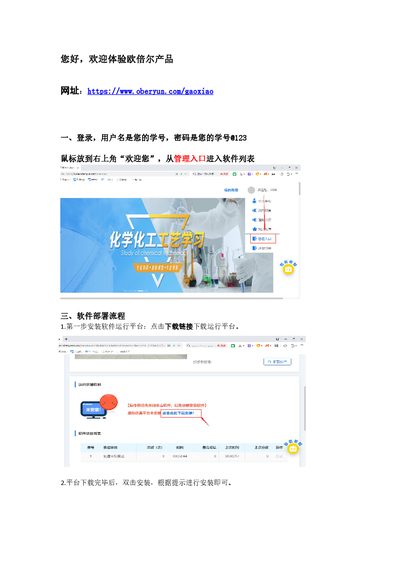
This document provides instructions for users to access the Ober product software. It details the login process using student ID credentials and outlines the steps to download and install the required software running platform. This manual is written in Chinese.
The username is your student ID, and the password is your student ID followed by @123.
Download the platform via the provided link, double-click the file to install, and follow the on-screen prompts.
This happens if the platform detection program was exited or if the system prevents it from starting automatically.