
Installation guide for the NORD EOZ canopy ozone generator, covering safety, mounting, electrical connections, airflow measurement, and module addressing.
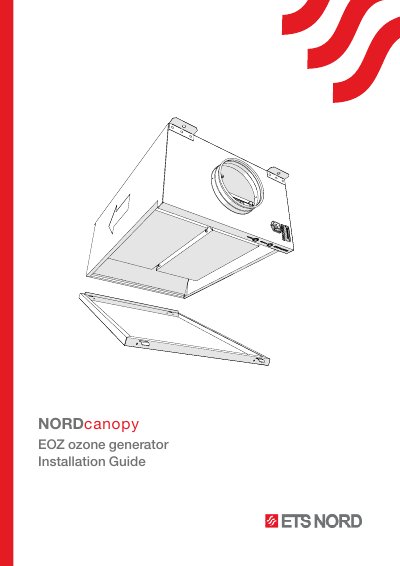
This document provides step-by-step instructions for installing the NORD EOZ ozone generator system. It covers safety precautions, checking the shipment contents, and the general system overview, including the function of ozone in breaking down grease and odor particles in kitchen exhaust airstreams. Key installation requirements include ensuring the correct airflow orientation and using stainless steel (AISI 316) materials for all ductwork between the unit and the main exhaust duct.
| Warranty duration | 2 years |
|---|
All duct installation materials, including screws, rivets, and the connecting flange, must be stainless steel (AISI 316).
It indicates that the system is operating normally, but it is time for its annual maintenance.
It indicates a technical fault has been detected in the system, and service is required.