
Quick guide for the NIPPON Genetics Ultra Cycler covering lid opening, USB use, touch screen care, ventilation clearance, power-on, and manual download.
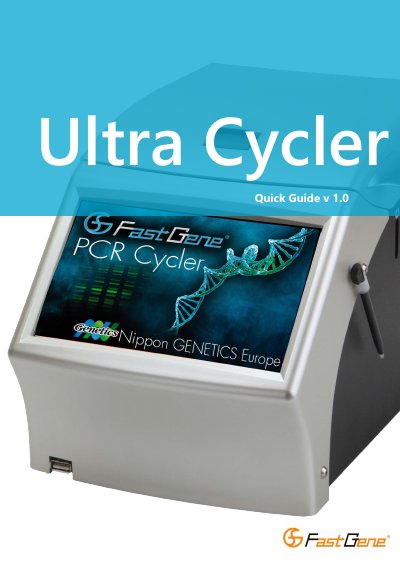
This quick guide explains basic handling and setup of the NIPPON Genetics Ultra Cycler, including opening the lid, using the handle, inserting USB devices, and caring for the touch screen.
It also covers ventilation clearance, powering on the unit, and downloading the manual through the System Information screen.
| Touch screen | 7-inch |
|---|---|
| USB port | USB 2.0 |
| Side clearance | At least 15 cm on both sides |
| Power operation | Operates in any country without voltage selection |
| Power protection | Resistant to power surges and drop-outs |
Select Configuration on the main screen, then select System Information, then press Copy Manual to USB.
Ensure there is at least a 15 cm gap on both sides because exhaust air vents from the sides.
Use either a finger or the stylus; do not use anything sharp.
No; it is designed to operate in any country without changes.