
The Nikon COOLPIX S6600 user manual provides setup, operation, Wi‑Fi, and safety instructions for the compact digital camera.
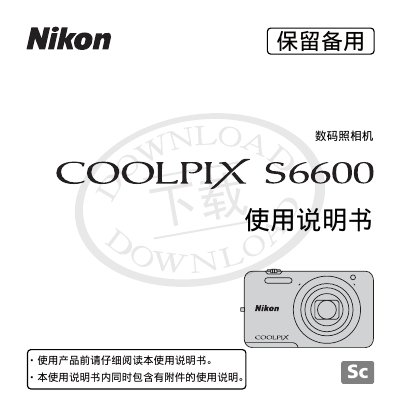
This manual introduces the Nikon COOLPIX S6600 compact digital camera, covering safety notices, package contents, and basic handling. It guides users through camera components, shooting basics, playback, and special functions such as Wi‑Fi connectivity and video recording.
Detailed sections explain advanced features like gesture‑controlled selfies, focus modes, lens specifications, and troubleshooting. The document also includes technical specifications, accessory compatibility, and legal notices about copying and warranty. This manual is written in Chinese.
| Effective pixel count | 16.02 MP |
|---|---|
| Image sensor size | 6.2 × 4.6 mm (1/2.3") |
| Lens optical zoom | 12× |
| Focal length (35 mm equivalent) | 25‑300 mm |
| Maximum aperture | f/3.3‑6.3 |
| Digital zoom | 4× |
The manual refers to SD, SDHC and SDXC cards collectively as “storage cards”.
Use the supplied USB connection cable (UC‑E6) to link the camera to a TV, computer, or printer for image transfer and playback.
Yes, the manual includes a section on using the Wi‑Fi (wireless LAN) feature of the camera.