
The Newland VB75-4G cloud speaker user manual provides setup instructions, button and indicator descriptions, connectivity options, and safety information.
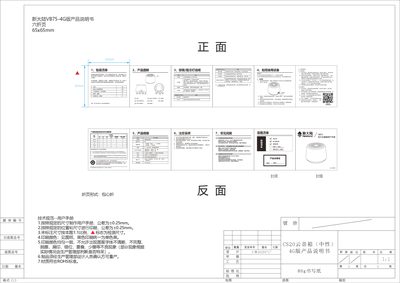
This manual lists the packaging contents, explains each button and indicator light, and gives step‑by‑step usage instructions for the VB75‑4G cloud speaker. It also details how to power the device, switch between 4G and Wi‑Fi, and perform basic operations.
The document describes the two network modes (4G and Wi‑Fi), how to insert a SIM card, configure Wi‑Fi AP mode, and interpret the green, blue, and red indicator lights. Safety precautions, environmental compliance, and troubleshooting tips are also included. This manual is written in Chinese.
| Power Input | 5 V 1 A |
|---|---|
| Battery Capacity | 1000 mAh |
| Network Modes | 4G and Wi‑Fi |
| SIM Card Slot | Present |
| USB Interface | Micro‑USB |
| Indicator Light – Green | Connecting or upgrading |
| Indicator Light – Blue | Connection successful |
| Indicator Light – Red | Charging completed or error |
Press and hold the power button for more than 2 seconds to turn the device on or off.
Long press the function button for 3 seconds to toggle between 4G and Wi‑Fi connectivity.