
Key facts
- Manuals
- 1
- Languages
- ZH
- Last added
- 2026-10-01
Featured 新大陆 manuals
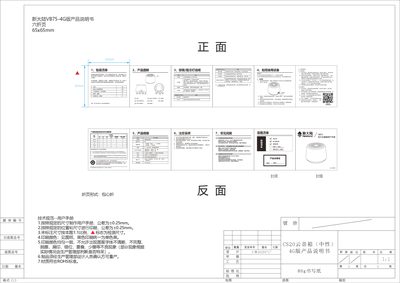
Newland VB75-4G Cloud Speaker User Manual
This manual lists the packaging contents, explains each button and indicator light, and gives step‑by‑step usage instructions for the VB75‑4G cloud speaker. It also details how to power the device, switch between 4G and Wi‑Fi, and perform basic operations.
The document describes the two network modes (4G and Wi‑Fi), how to insert a SIM card, configure Wi‑Fi AP mode, and interpret the green, blue, and red indicator lights. Safety precautions, environmental compliance, and troubleshooting tips are also included. This manual is written in Chinese.
Covers: Packaging List · Button and Indicator Description · Device Operation · Connectivity Options · 4G Network Setup · Wi‑Fi Network Setup
Latest 新大陆 manuals
Newland VB75-4G Cloud Speaker User Manual
User Manual 1 pages · 2.9 MB · ZHThe Newland VB75-4G cloud speaker user manual provides setup instructions, button and indicator descriptions, connectivity options, and safety information.
Which document do I need?
User Manual
Day-to-day operation, settings and troubleshooting. Start here if the product is already set up.
Questions answered in 新大陆 manuals
How do I power on the cloud speaker?
Press and hold the power button for more than 2 seconds to turn the device on or off.
How can I switch between 4G and Wi‑Fi modes?
Long press the function button for 3 seconds to toggle between 4G and Wi‑Fi connectivity.