
Installation guide for the NEC X754HB 75-inch LCD display, with product dimensions, ventilation, input terminals, control codes, and browser control details.
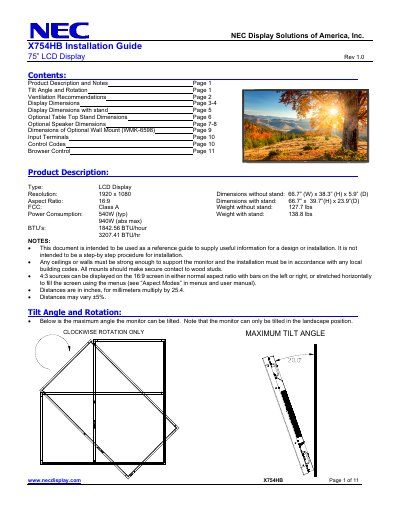
The NEC X754HB Installation Guide is a reference for designing or installing the 75-inch LCD display. It lists product dimensions, tilt and rotation limits, ventilation requirements, and dimensions for the display with optional stands, speakers, and wall mount.
Input panels, RS-232C and Ethernet control codes, cable connection details, and browser control instructions are also included. The guide states it is not a step-by-step installation procedure.
| Type | LCD Display |
|---|---|
| Resolution | 1920 x 1080 |
| Aspect ratio | 16:9 |
| Dimensions without stand | 66.7 in (W) x 38.3 in (H) x 5.9 in (D) |
| Dimensions with stand | 66.7 in x 39.7 in (H) x 23.9 in (D) |
| FCC class | Class A |
| Weight without stand | 127.7 lbs |
| Weight with stand | 138.8 lbs |
| Power consumption (typical) | 540W |
| Power consumption (absolute maximum) | 940W |
| BTU (typical) | 1842.56 BTU/hour |
| BTU (maximum) | 3207.41 BTU/hr |
| RS-232C baud rate | 9600 bps |
| RS-232C data length | 8 bits |
| RS-232C parity | None |
| RS-232C stop bit | 1 bit |
| Default IP address | 192.168.0.10 |
| Ethernet port number | 7142 (fixed) |
The default IP address is 192.168.0.10 out of the box.
Port number 7142 is fixed.
The baud rate is 9600 bps.
Yes, in normal aspect ratio with bars or stretched horizontally to fill the screen.