
NEC VX/VB Series Laptop User Manual

User manual for NEC VX and VB series laptops covering setup, hardware identification, and basic Windows 7 operations.
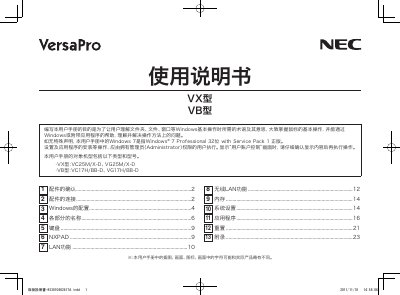

NEC VX/VB Series Laptop User Manual - cover page
Brand
NEC
Category
Laptops
Document type
User Manual
Language
Japanese
Pages
24
File format
PDF
File size
2.9 MB
Published
17 October, 2026
Updated
17 October, 2026
MD5 checksum
BA879973A0AE4C6B2EC8891973E3A096

About this manual

This user manual provides instructions for NEC VX and VB series laptops, including verifying accessories, connecting power and battery, and configuring Windows 7. It guides users through initial setup steps such as creating user accounts and setting system preferences. This manual is written in Japanese.

What's inside

  • Checking Accessories
  • Connecting Power and Battery
  • Windows Configuration
  • Hardware Identification
  • Keyboard and NXPAD
  • LAN and Wireless LAN
  • Memory
  • System Settings
  • Applications
  • Resetting

Frequently asked questions

What is the purpose of this user manual?

The manual helps users understand Windows basic operation terms, master mouse operations, and solve method-related problems.

Which operating system version does this manual cover?

Unless otherwise stated, the manual refers to Windows 7 Professional 32-bit with Service Pack 1.

What must a user do when the User Account Control screen appears?

You must carefully check the displayed content before executing any operation.

Download PDF (2.9 MB)

More NEC Manuals


View all NEC manuals →