
This manual provides instructions for setting up, connecting accessories, using the battery, keyboard, NX PAD, LAN features, system settings, and security…
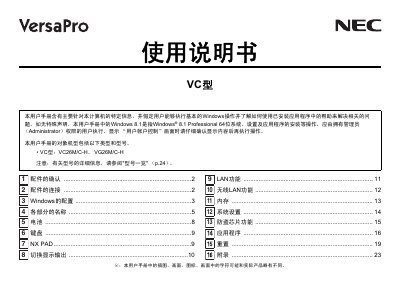
This user manual covers the setup and usage of NEC VC type personal computers, specifically models VC26M/C-H and VG26M/C-H. It details how to verify accessories, connect power and peripherals safely, and configure Windows 8.1 Professional upon first use.
The guide also explains hardware features such as battery charging indicators, keyboard operation, and the NX PAD utility. Additionally, it provides instructions for network connectivity (LAN and wireless LAN), memory management, system settings, anti-theft chip functionality, and how to reset the computer. This manual is written in Japanese.
| Operating System Version | Windows 8.1 Professional 64-bit |
|---|---|
| Applicable Models | VC26M/C-H, VG26M/C-H |
If configuration cannot be completed correctly, contact your dealer to discuss resetting Windows.
No, it is not possible to create a recovery drive if you are using the VG26M/C-H type.
You should connect the LAN cable after finishing Windows configuration and firewall settings to ensure safe network connection.