
Installation guide for the NEC C551 55-inch LCD display with dimensions, ventilation, mounting, and control information.
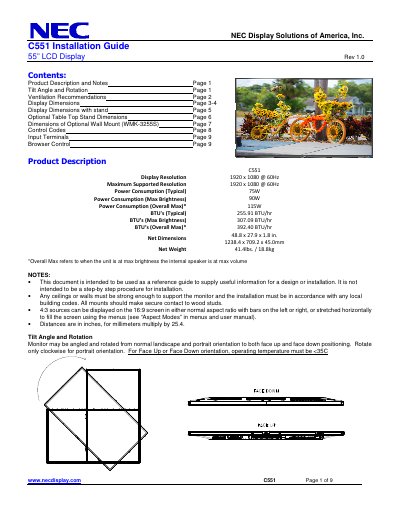
This document is an installation guide for the NEC C551 55-inch LCD display. It provides product specifications, tilt and rotation notes, ventilation recommendations, and display dimensions.
It also covers optional stand and wall mount dimensions, control codes, input terminals, and browser control information.
| Display Resolution | 1920 x 1080 @ 60Hz |
|---|---|
| Maximum Supported Resolution | 1920 x 1080 @ 60Hz |
| Power Consumption (Typical) | 75W |
| Power Consumption (Max Brightness) | 90W |
| Power Consumption (Overall Max) | 115W |
| BTU's (Typical) | 255.91 BTU/hr |
| BTU's (Max Brightness) | 307.09 BTU/hr |
| BTU's (Overall Max) | 392.40 BTU/hr |
| Net Dimensions | 48.8 x 27.9 x 1.8 in. / 1238.4 x 709.2 x 45.0mm |
| Net Weight | 41.4lbs. / 18.8kg |
All displays are set to the IP address 192.168.0.10 as default.
The fixed port number is 7142.
The media player IP address is set to 192.168.0.110 for default configuration.
Type http://