
Installation guide for the Navico IS40/Triton marine display system, covering mounting, NMEA 2000 wiring, troubleshooting, and technical specifications.
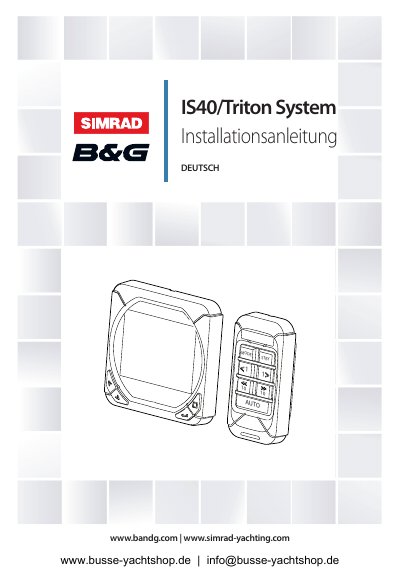
The IS40/Triton display is a 4.1-inch LCD unit intended to show sailing information such as wind, speed, depth, course, autopilot status, log, and timer. It uses bonded display technology and has two Micro-C connectors for daisy-chain connections in NMEA 2000 systems.
The installation guide covers selecting a mounting position, mounting with a flush clip or bracket, spacing for multiple displays, NMEA 2000 (SimNet) wiring, an EVC Gateway SG05 example, troubleshooting, spare parts, and technical data. This manual is written in German.
| Weight | 0.28 kg |
|---|---|
| Power consumption | 150 mA at 13.5 V |
| Network load | Max. 10 displays |
| Color | Black |
| Screen size | 4.1 in (screen diagonal), 4:3 aspect ratio |
| Resolution | 320 x 240 pixels |
| Environmental protection | IPx7 |
| Operating temperature | 0 to +55 °C |
The IS40/Triton display has a resolution of 320 x 240 pixels.
It draws 150 mA at 13.5 V.
The display operates from 0 to +55 °C.
Yes, it has IPx7 environmental protection.