
This is a user manual for S2009-S2016 Fish Finder, introducing how to install and use the device
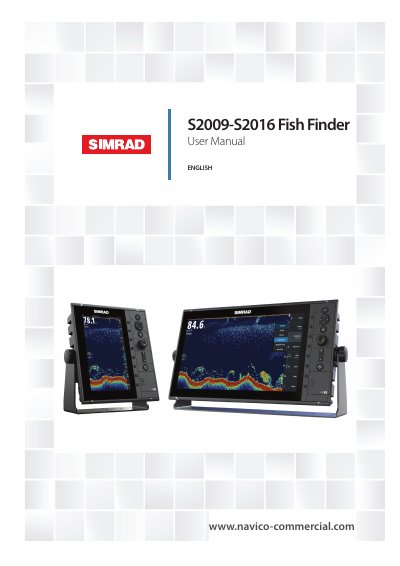
This manual serves as a reference guide for operating and setting up the Navico S2009 and S2016 Fish Finder systems. It details the user interface, including the front panel keys, softkeys, and slide bars, as well as basic operations like turning the system on and off, adjusting display settings, and using the cursor for measurements and waypoints. The document also explains how to view and manage files, use the built-in simulator, and navigate the menu system.
| Display size (S2009) | 9" display in portrait orientation |
|---|---|
| Display size (S2016) | 16" display in landscape orientation |
| Compliance | CE under EMC directive 2014/30/EU |
The English language version of the Documentation is the official version in case of any conflict with translations.
Press the Power key once to turn ON the unit, and press and hold it to turn OFF the unit.