
User guide for NANO MMDVM Duplex HotSpot v0721: Pi-Star setup, DMR radio programming, frequency/offset adjustment, Nextion/OLED wiring, and firmware updates.
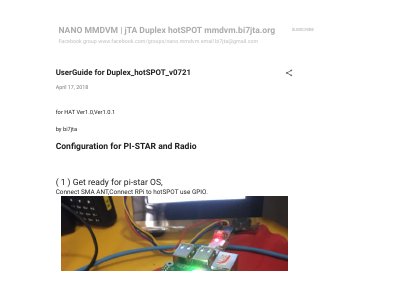
The NANO MMDVM Duplex HotSpot v0721 user guide, dated April 17, 2018, covers configuration for Pi-Star and radio on HAT Ver1.0 and Ver1.0.1 hardware. It starts with preparing the Pi-Star OS, connecting the SMA antenna, and linking the Raspberry Pi to the hotspot through GPIO.
The guide then walks through controller mode, RX/TX frequency and offset settings, DMR radio programming, test calls, and static talkgroups. Later pages cover Nextion LCD and OLED wiring, SSH access, Pi-Star OS updates, firmware upgrade commands, and the amateur radio frequency ranges defined in the firmware.
| Supported frequency bands | UHF and VHF (from Ver1.0.1) |
|---|---|
| TCXO frequency | 14.7456 MHz |
| UHF ranges (V1.0) | UHF1: 420000000-475000000 Hz; UHF2: 842000000-950000000 Hz |
| VHF ranges (V1.0.1) | VHF1: 144000000-148000000 Hz; VHF2: 219000000-225000000 Hz |
| Controller mode | Duplex Repeater |
Select Duplex Repeater as the controller mode, and in expert mode make sure the Duplex flag is 1, not 0.
It sets RXOffset=-300 and TXOffset=-300; the guide notes this is the offset for the 14.7456 MHz TCXO in this batch.
Dial a private call to 9990 (Parrot) and listen to your voice, or dial 4000 for a disconnect tip, on TS1 or TS2.
Set Radio TX = HotSpot RX, Radio RX = HotSpot TX, Color Code = 1, and use Repeater Slot 1 or 2.