
Key facts
- Manuals
- 1
- Languages
- EN
- Last added
- 2026-11-17
Featured NANO MMDVM manuals
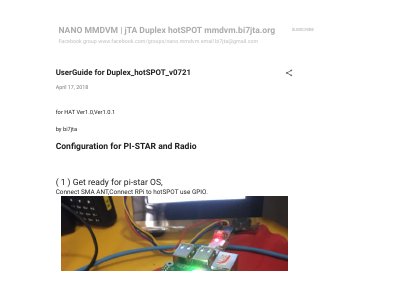
NANO MMDVM Duplex HotSpot v0721 Amateur Radio Hotspot User Guide
The NANO MMDVM Duplex HotSpot v0721 user guide, dated April 17, 2018, covers configuration for Pi-Star and radio on HAT Ver1.0 and Ver1.0.1 hardware. It starts with preparing the Pi-Star OS, connecting the SMA antenna, and linking the Raspberry Pi to the hotspot through GPIO.
The guide then walks through controller mode, RX/TX frequency and offset settings, DMR radio programming, test calls, and static talkgroups. Later pages cover Nextion LCD and OLED wiring, SSH access, Pi-Star OS updates, firmware upgrade commands, and the amateur radio frequency ranges defined in the firmware.
Covers: Pi-Star OS download and SD card flashing · Controller mode: Duplex Repeater · RX/TX frequency settings · RX and TX offset settings · DMR radio programming · Testing with private calls
Latest NANO MMDVM manuals
NANO MMDVM Duplex HotSpot v0721 Amateur Radio Hotspot User Guide
User Manual 15 pages · 1.8 MB · ENUser guide for NANO MMDVM Duplex HotSpot v0721: Pi-Star setup, DMR radio programming, frequency/offset adjustment, Nextion/OLED wiring, and firmware updates.
Which document do I need?
User Manual
Day-to-day operation, settings and troubleshooting. Start here if the product is already set up.
Questions answered in NANO MMDVM manuals
What controller mode should be selected for the Duplex HotSpot?
Select Duplex Repeater as the controller mode, and in expert mode make sure the Duplex flag is 1, not 0.
From: NANO MMDVM Duplex HotSpot v0721 Amateur Radio Hotspot User Guide
What RX and TX offset values does the guide set?
It sets RXOffset=-300 and TXOffset=-300; the guide notes this is the offset for the 14.7456 MHz TCXO in this batch.
From: NANO MMDVM Duplex HotSpot v0721 Amateur Radio Hotspot User Guide