
Quick start guide for the Motorola VM482ANXL series digital video baby monitor covering power setup, battery installation, and key functions.
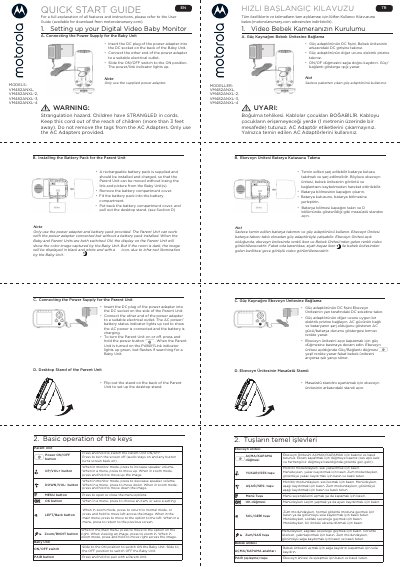
This Quick Start Guide covers the Motorola VM482ANXL digital video baby monitor and its variants VM482ANXL-2, VM482ANXL-3 and VM482ANXL-4. It explains how to connect the power supply for the Baby Unit, install and charge the rechargeable battery pack for the Parent Unit, and set up the Parent Unit's desktop stand. It also describes the basic operation of the keys on both units, including power, volume, menu, zoom and the PAIR button.
The guide notes that only the supplied power adapters and battery pack should be used, and warns about cord strangulation hazards near children. For a full explanation of all features and instructions, the guide refers users to the User Guide available for download from motorolanursery.com. The document also includes general information and the Consumer Products and Accessories Limited Warranty from Meizhou Guo Wei Electronics Co. LTD (MZGW).
The full User Guide with all features and instructions is available for download from motorolanursery.com.
Yes, the Parent Unit can work with the power adapter connected even without a battery pack installed.
In a dark room the image is displayed in black and white with an icon, due to infra-red illumination by the Baby Unit.
Press and hold the PAIR button on the Baby Unit to pair it with a Parent Unit.