
Instruction guide for pairing the Motorola LI4278 cordless linear imager with iPad, Android, and Windows 8.1 tablets.
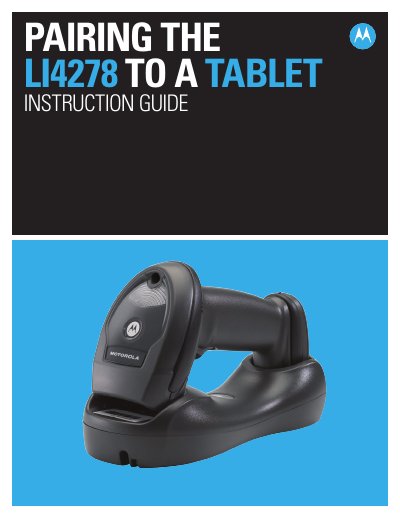
This instruction guide explains how to pair the Motorola LI4278 cordless linear imager with a tablet. It covers pairing steps for iOS, Android, and Windows 8.1 devices.
The guide also notes scanner features such as 1D scanning performance, an iOS virtual keyboard toggle, Bluetooth v2.1, and durability for all-day use.
| Bluetooth version | v2.1 |
|---|---|
| Drop resistance | survives multiple 6 foot drops to concrete |
| Battery life | lasts well beyond a single shift in the highest usage profiles |
| iOS pairing firmware | PAABIS00-002-R00 or higher |
The scanner emits a short low beep followed by a short high beep.
A quick double-pull of the scanner trigger opens or closes it.
LI4278 firmware PAABIS00-002-R00 or higher.
Scan the pin code followed by End of Message using the Alpha-Numeric Keyboard barcodes.