
User guide for Motorola MOTOTRBO DM1600 digital two-way radio covering safety, operation, settings, and features.
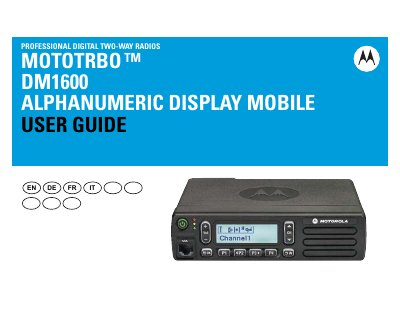
This guide provides step-by-step instructions for using the Motorola MOTOTRBO DM1600 digital two-way radio, including powering up, adjusting volume, using programmable buttons, and managing calls. It covers both analog and digital modes, text messaging, emergency operations, and advanced features like scan lists and contacts. Safety information and compliance details are included for proper usage.
The guide also explains how to configure settings such as tone alerts, display brightness, language, and voice operation, as well as how to manage call logs, text messages, and emergency alarms. It includes troubleshooting tips for powering up and resetting the radio if needed.
Press the On/Off Button briefly. You see MOTOTRBO (TM) on the radio’s display momentarily, followed by a welcome message or welcome image. The green LED lights up and the Home screen lights up. A brief tone sounds, indicating that the power up test is successful.
To increase the volume, press the volume “ + ” button. To decrease the volume, press the volume “ – ” down.
The features described are supported by the radio’s software version R01.00.00.