
Basic user guide for the Motorola CP040 portable radio, covering controls, battery, accessories, calls, VOX, and scan.
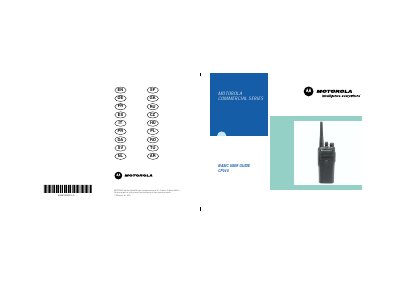
This user guide covers operation of the Motorola CP040 Portable Radios. It describes radio controls, the LED indicator, programmable buttons, improved audio and companding, battery charge status, charging, attaching and removing the battery, antenna and belt clip, turning the radio on or off, volume, channel selection, sending and receiving calls, monitoring, VOX operation, repeater or talkaround mode, squelch, power level, selective calls, call alerts, and scan.
The radio is restricted to occupational use only to satisfy ICNIRP RF energy exposure requirements. Before using the product, read the operating instructions in the Product Safety and RF Exposure booklet. Batteries are shipped uncharged from the factory, and a new battery should always be charged 14 to 16 hours before initial use.
| Microphone distance | 2.5 to 5 cm |
|---|---|
| New battery initial charge | 14 to 16 hours |
| Standard battery charge to 90% | 90 minutes |
Always charge a new battery 14 to 16 hours before initial use, regardless of the status indicated by the charger.
A standard battery may require 90 minutes to charge to 90% capacity.
Hold the microphone 2.5 to 5 cm from your mouth, and speak clearly into it.
Press and hold down this button to talk; release it to listen.