
This guide provides operating instructions for the Motorola CP040 Commercial Series portable radio, covering controls, battery management, and call features.
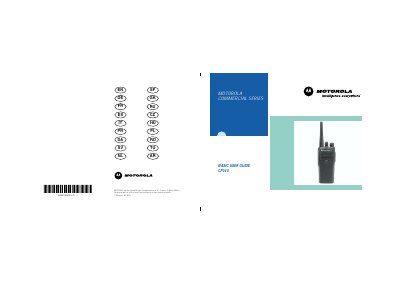
This user guide covers the operation of the Motorola CP040 Portable Radios, which are restricted to occupational use to satisfy ICNIRP RF energy exposure requirements. The manual details the radio's overview, including controls such as the Push-to-talk (PTT) button, On-Off/Volume knob, and Channel Selector. It also explains the functions of the LED indicator and the two programmable buttons used for shortcuts to features like monitoring and squelch adjustment.
| Product Series | Commercial Series |
|---|
Always charge a new battery 14 to 16 hours before initial use, regardless of the status indicated by the charger.
A standard battery may require 90 minutes to charge to 90% capacity.
A flashing red LED indicates that the battery is very low while transmitting.