
Motorola AP-7131 Series Access Point Installation Guide covers hardware installation, placement, LED indicators, and basic configuration for AP-7131 and…
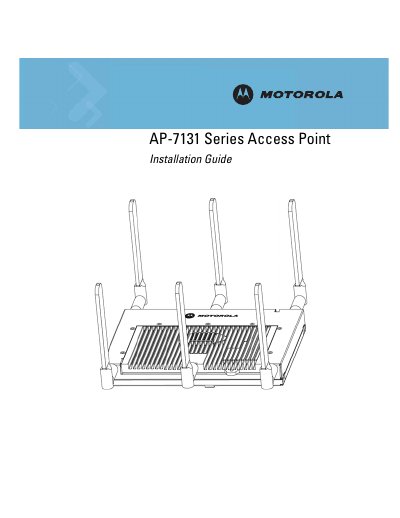
This installation guide covers the Motorola AP-7131 and AP-7131N series access points. It describes hardware installation, placement, mounting, LED indicators, and basic device configuration for both models.
The document also includes safety warnings, package contents, site preparation guidelines, physical and electrical specifications, radio characteristics, and regulatory compliance information including RoHS.
| Dimensions (AP-7131) | 5.50 in. Depth x 7.88 in. Width x 1.10 in. Height |
|---|---|
| Weight (AP-7131) | 2.22 lbs |
| Operating Temperature | -4°F to 122°F/-20°C to 50°C |
| Humidity | 5 to 95% RH non-condensing |
| Operating Voltage | 48VDC (compatible with POE .3af/.3at Draft) |
| Maximum Transmit Power | 20dBm |
It covers both AP-7131 and AP-7131N model access points, which share the same installation methods.
Install the access point at an ideal height of 10 feet from the ground.
The operating temperature is -4°F to 122°F/-20°C to 50°C.