
Moen MotionSense Wave faucet quick start guide covering power-up, hands-free temperature, sensor activation, cleaning, and battery replacement.
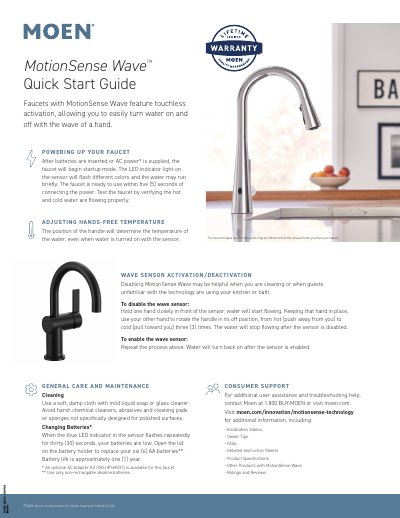
This quick start guide describes the Moen MotionSense Wave faucet, which has touchless activation that turns water on and off with a wave of a hand. It explains startup after batteries are inserted or AC power is supplied, how the handle sets hands-free temperature, and how to enable or disable the wave sensor.
The guide also covers general care and cleaning, battery replacement when the blue LED flashes, and Moen consumer support contact details. The provided pages include English, Spanish, and French versions of the same instructions.
| Battery type | Six AA batteries |
|---|---|
| Battery life | Approximately one year |
| Startup time | Ready within five seconds |
| Optional power accessory | AC Adapter Kit (SKU #169031) |
| Battery requirement | Non-rechargable alkaline batteries only |
The blue LED indicator in the sensor flashes repeatedly for thirty seconds when the batteries are low.
The position of the handle determines the water temperature, even when water is turned on with the sensor.
Hold one hand in front of the sensor until water flows, keep that hand in place, and rotate the handle in its off position from hot to cold three times.
Use a soft, damp cloth with mild liquid soap or glass cleaner.