
This manual covers the features, operation, settings, and troubleshooting for the Mindray MR-QC-204 call queue terminal used in service environments.
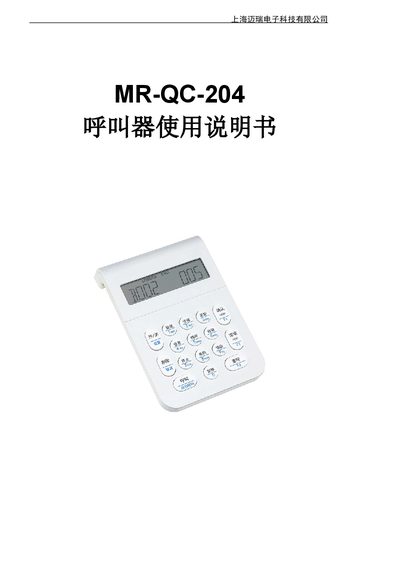
The Mindray MR-QC-204 is a compact call queue terminal featuring a 60-degree viewing angle LCD display and built-in 433MHz antenna. It supports up to 16 channels, allowing multiple systems to operate within the same venue, with a reliable range exceeding 500 meters. The device can be powered via DC 5V adapter or USB port. This manual is written in Chinese.
| Model | MR-QC-204 |
|---|---|
| Weight | 145g (with power) |
| Dimensions | 133 x 85 x 27 mm |
| Power Supply | DC 5V (USB or Adapter) |
| Frequency | 433MHz |
| Channels Supported | 1 to 16 |
| Physical Address Range | 1 to 998 |
The device has a reliable usage radius exceeding 500 meters.
The terminal supports a maximum of 16 channels to meet the needs of multiple systems in one venue.
An ERROR display indicates a failure to connect to the server; check if the server is on and running correctly.
Press and hold the 'On/Off' key to enter the setting state.