
Supplement manual for Mimaki D202672-10 printers with firmware 3.20+, detailing MAPS settings for stripe reduction and common machine type changes.
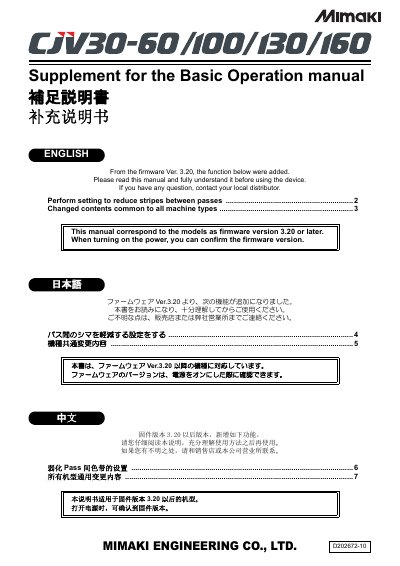
This document serves as a supplement to the basic operation manual for Mimaki Engineering Co., Ltd. devices, specifically applicable to models running firmware version 3.20 or later. It provides instructions on new functions and settings added in this firmware update. This manual is written in Japanese.
| Firmware Version | 3.20 or later |
|---|---|
| Print Speed Adjustment Range | -50 ~ +50% |
| Deodorize Fan Stop Time Range | 0 ~ 240 min |
| Auto Cleaning Interval Max | 30000 mm |
MAPS (Mimaki Advanced Pass System) is a function that reduces feeding stripes by distributing the pass boundary when media correction cannot resolve them.
In LOCAL mode, press the key, then press the key, select [MAPS], and press the key to set ON/OFF.
Slowing down the printing speed takes longer to print but makes the MAPS effect stronger, making feeding stripes less visible.
The maximum value for the cleaning interval setting range when AUTO CLEANING/Print CLEANING is ON was changed from 10000mm to 30000mm.