
A step-by-step guide for replacing the battery in a Microsoft Surface Pro 4 tablet, including safety precautions and tools required.
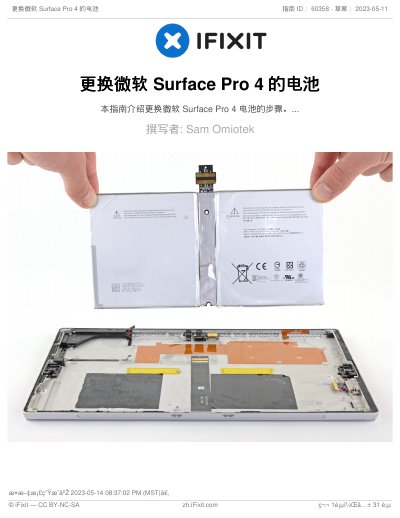
This document provides detailed instructions on how to replace the battery in a Microsoft Surface Pro 4. It covers necessary safety measures, such as wearing eye protection and handling swollen batteries with care. The guide lists specific tools needed for the repair, including Torx screwdrivers, spudgers, and adhesive removers. This manual is written in Chinese.
You need an iOpener, Opening Picks (Set of 6), Spudger, Tweezers, T5 and T3 Torx Screwdrivers, Phillips #00 Screwdriver, Adhesive Remover, Plastic Cards, and Tesa tape.
Yes, you can use a hair dryer, heat gun, or hot plate to heat the Surface, but be careful not to overheat the screen and built-in battery.
No, you should not reuse the removed battery because doing so poses potential safety hazards.